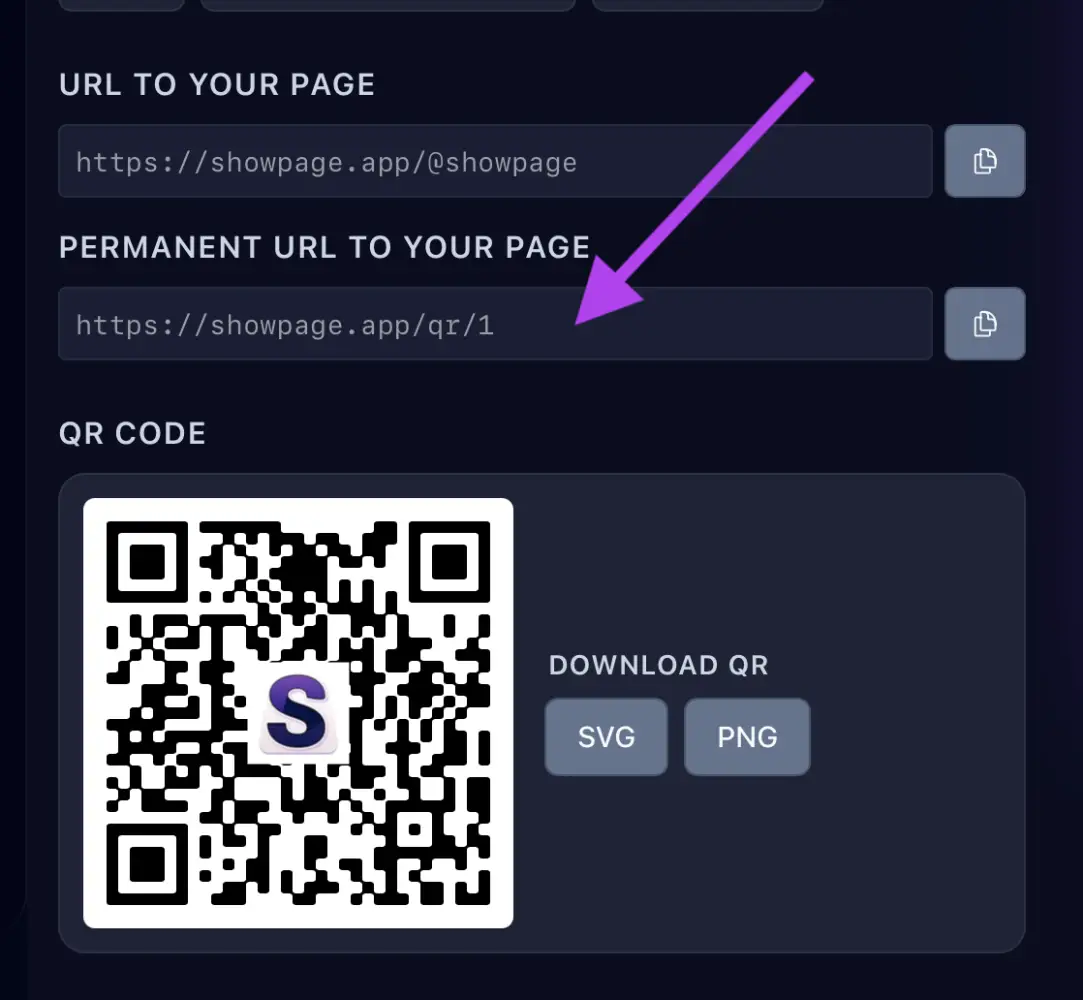
1. Copia tu enlace
En tu cuenta de ShowPage, abre la página QR / Enlaces y copia tu enlace. También puedes crear uno solo para Instagram y ver cuántos clics trae.
2. Añádelo en Instagram
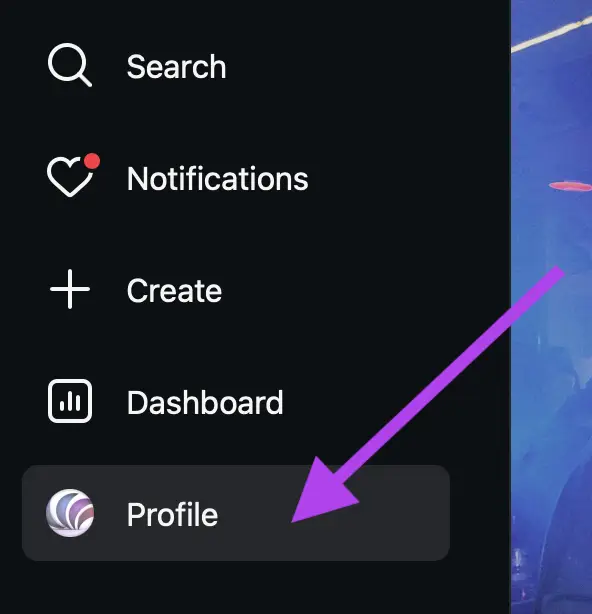
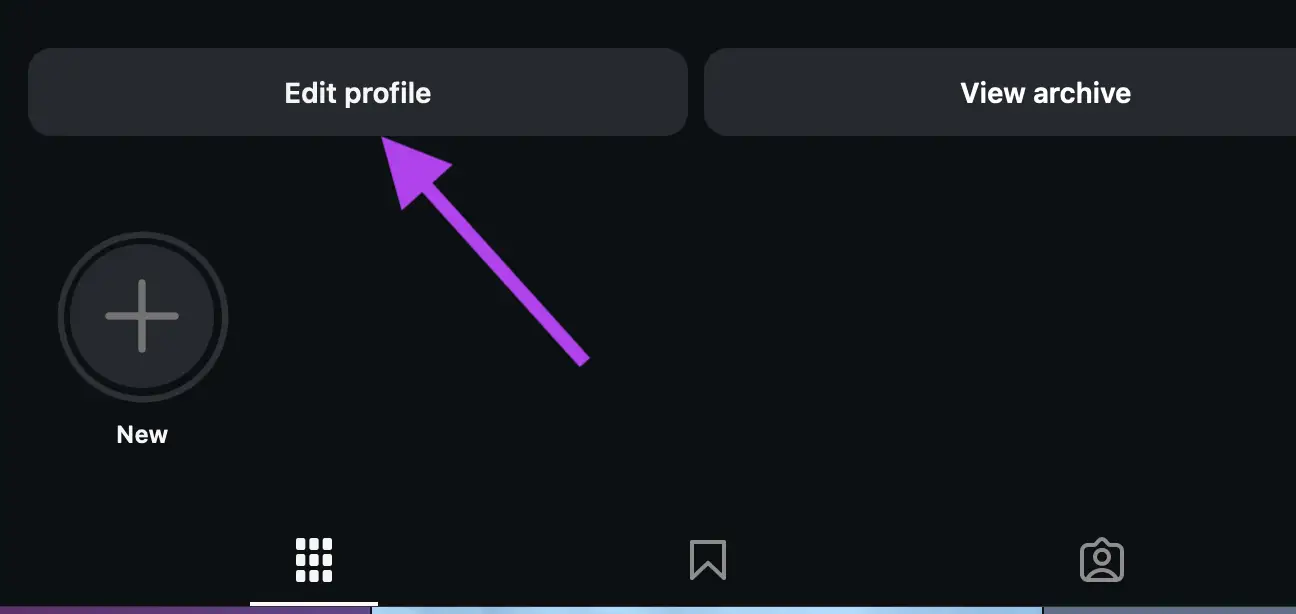
- En Instagram, ve a tu perfil y toca Editar perfil.
- Toca Enlaces → Añadir enlace externo, pega tu enlace y guarda.
Editing your links is only available on mobile. Visit the Instagram app and edit your profile to change the websites in your bio.
Solo disponible en móvil
Editing your links is only available on mobile. Visit the Instagram app and edit your profile to change the websites in your bio.
También en tus historias
Añade un sticker de enlace a una historia y pega el mismo enlace.