
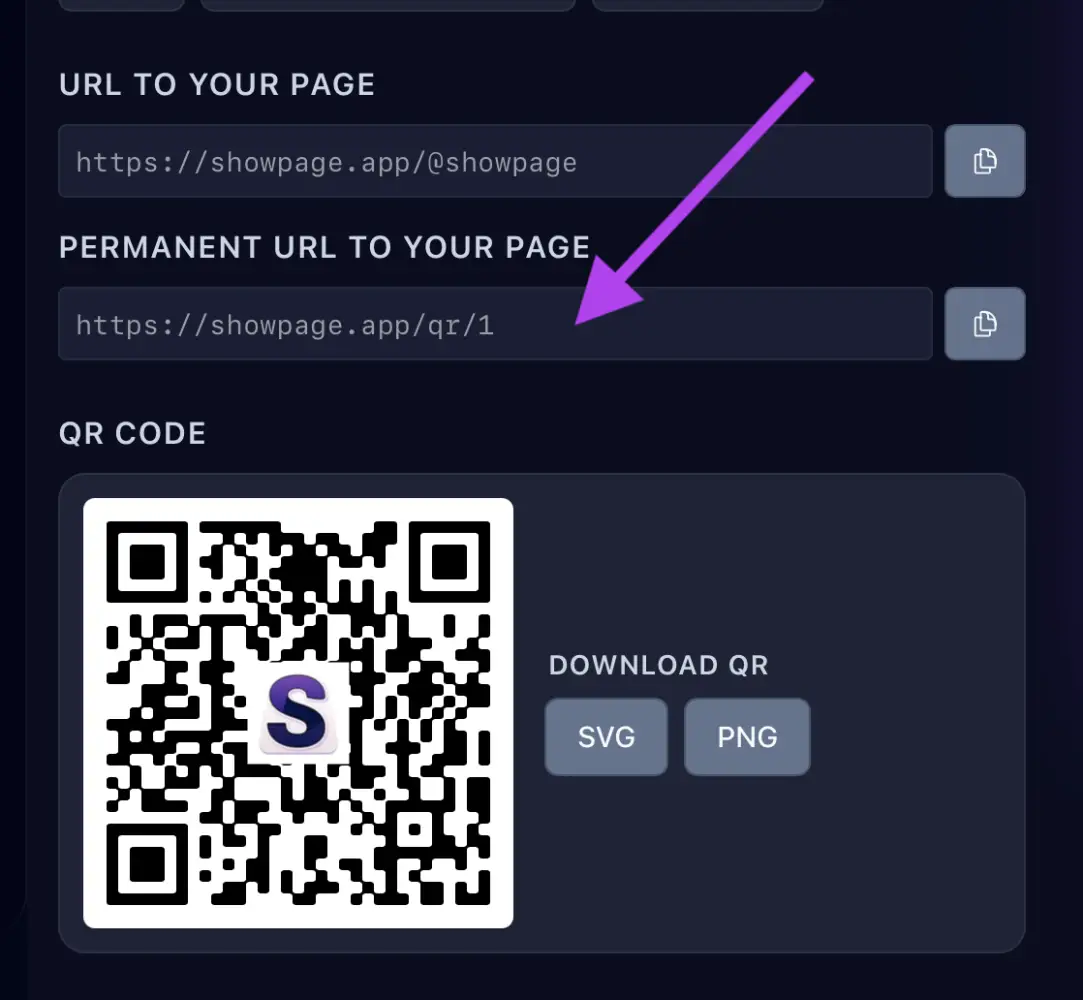
1. Copy your link
In your ShowPage account, open the QR / Links page and copy your link. You can also create one just for Instagram to see how many clicks it brings.
2. Add it to Instagram
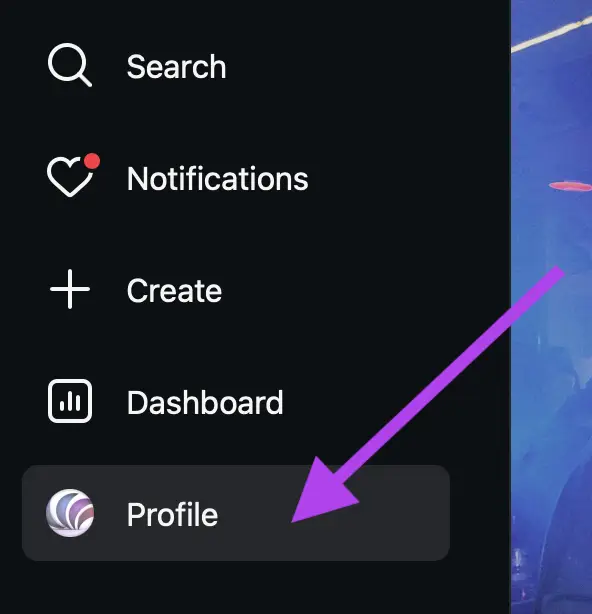
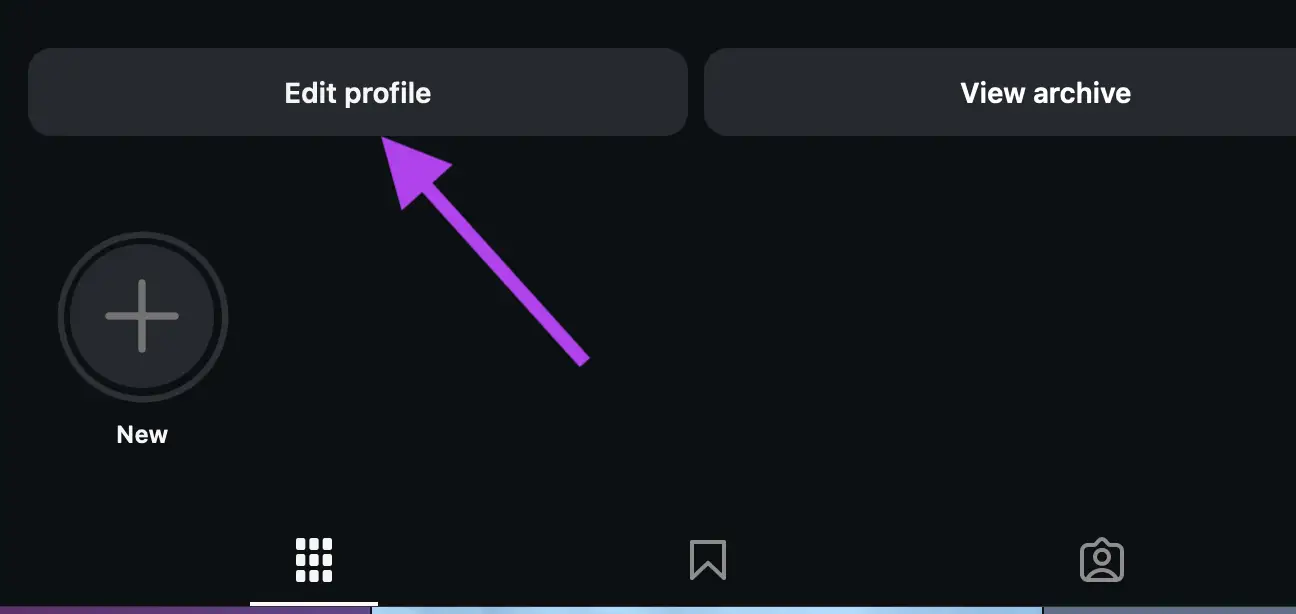
- In Instagram, go to your profile and tap Edit profile.
- Tap Links → Add external link, paste your link and save.
Editing your links is only available on mobile. Visit the Instagram app and edit your profile to change the websites in your bio.
Only available on mobile
Editing your links is only available on mobile. Visit the Instagram app and edit your profile to change the websites in your bio.
Also in your stories
Add a link sticker to a story and paste the same link.