
1. Download your QR code
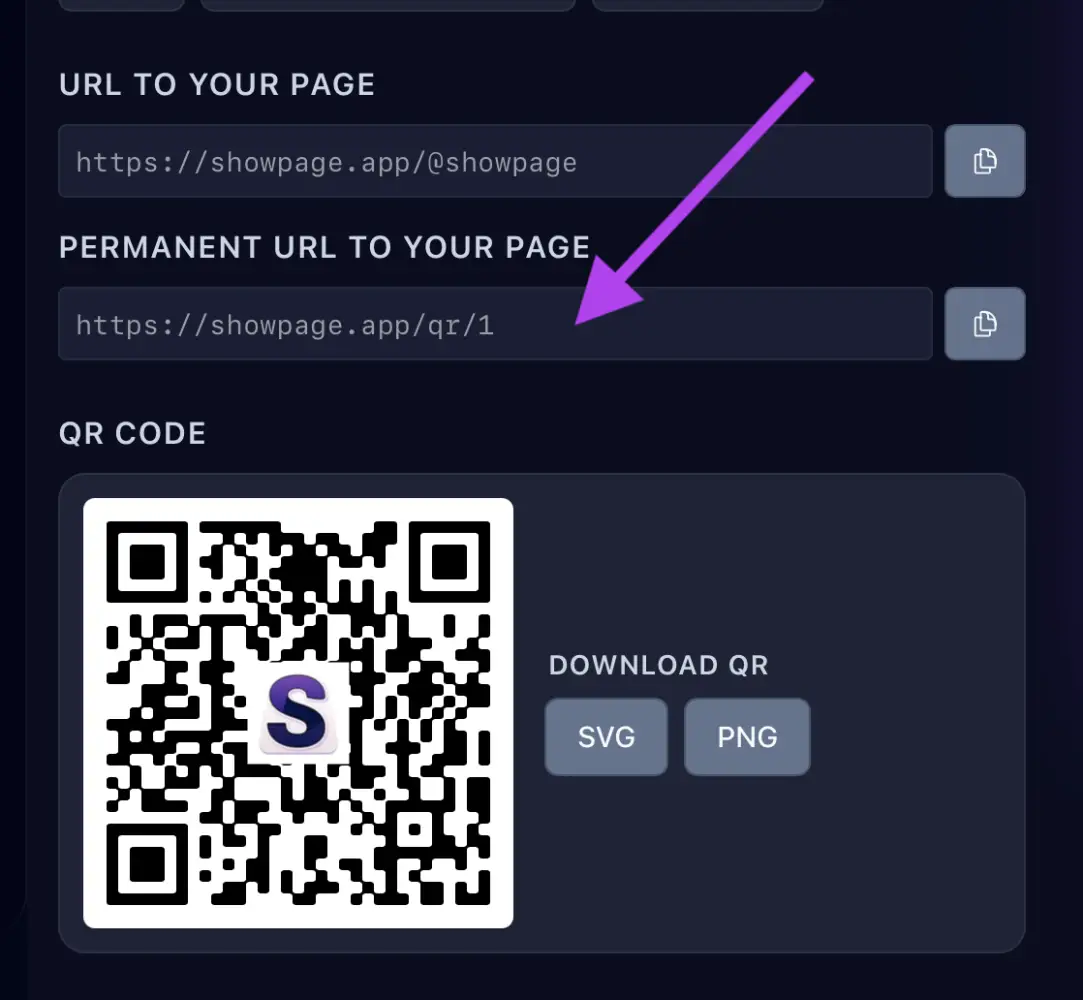
In your ShowPage account, open the QR / Links page. Under Main QR code, download it as SVG (vector, best for print at any size) or PNG (for screens and documents).
2. Use it
Put it on flyers, business cards, menus, posters, packaging or shop windows. Print it big enough, leave white space around it and test it with your phone before printing a lot.
Good to know
The main QR uses a permanent link, so printed codes keep working even if you rename your page. To show your logo in the center, upload it in Settings (a square icon works best), then click Regenerate.