
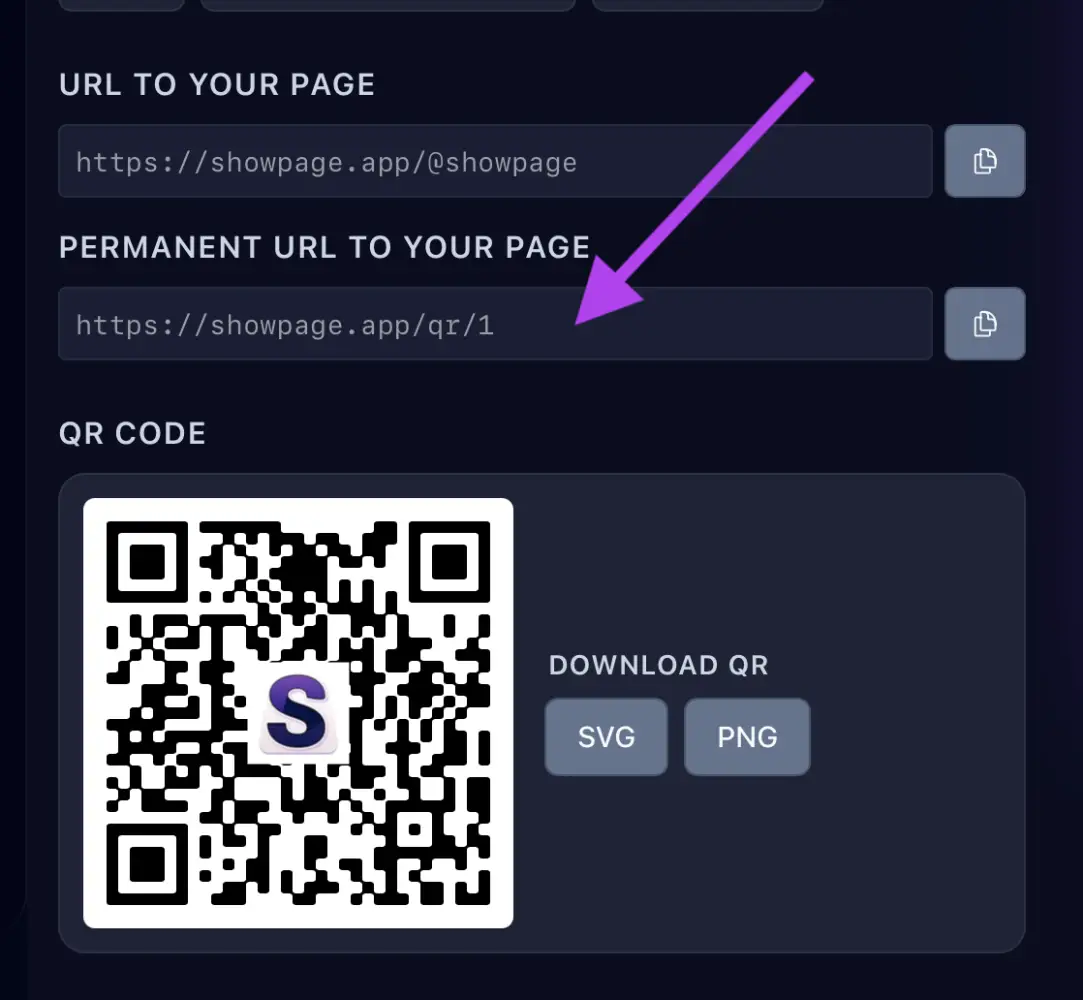
1. Copy your link
In your ShowPage account, open the QR / Links page and copy your link. You can also create one just for Facebook to see how many clicks it brings.
2. Add it to Facebook
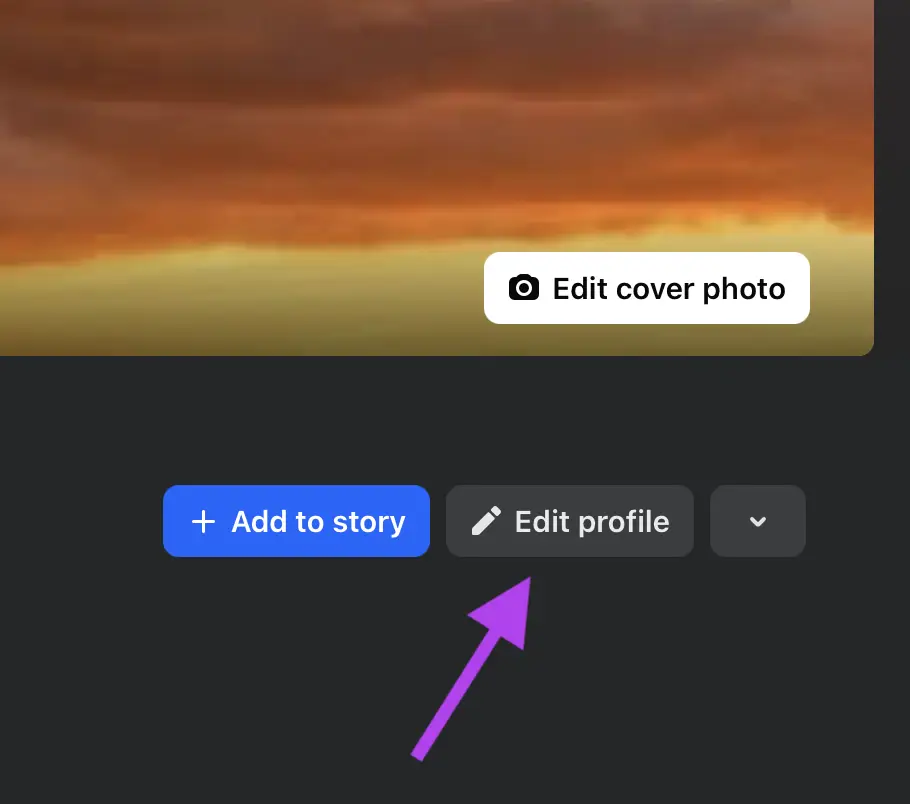
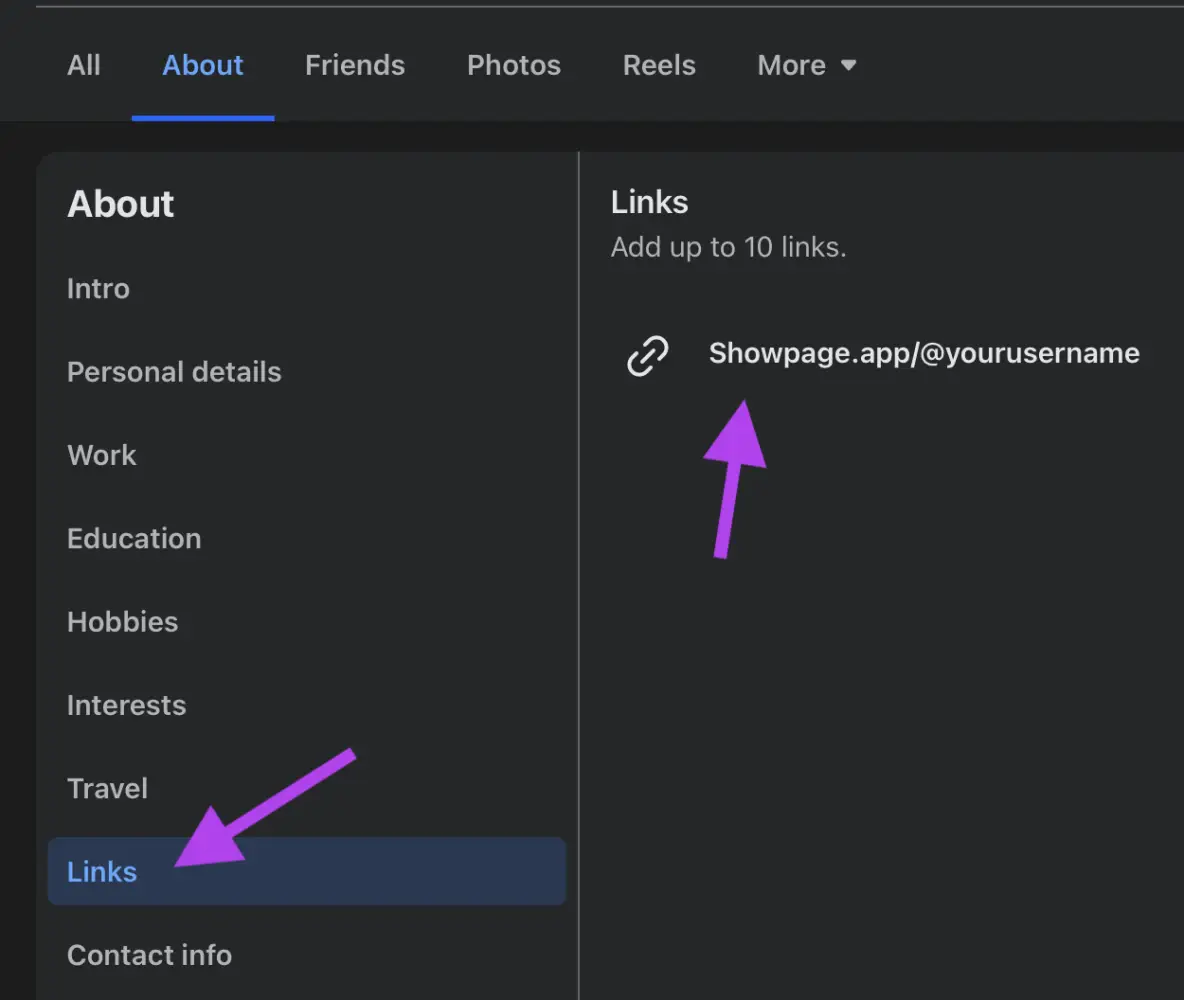
- In Facebook, open your profile or page and click Edit details (or Edit page info on a page).
- In the website or links field, paste your link and save.
Also in your posts
Paste the link in a post, or pin a post with it to the top of your page.