
1. Copy your link
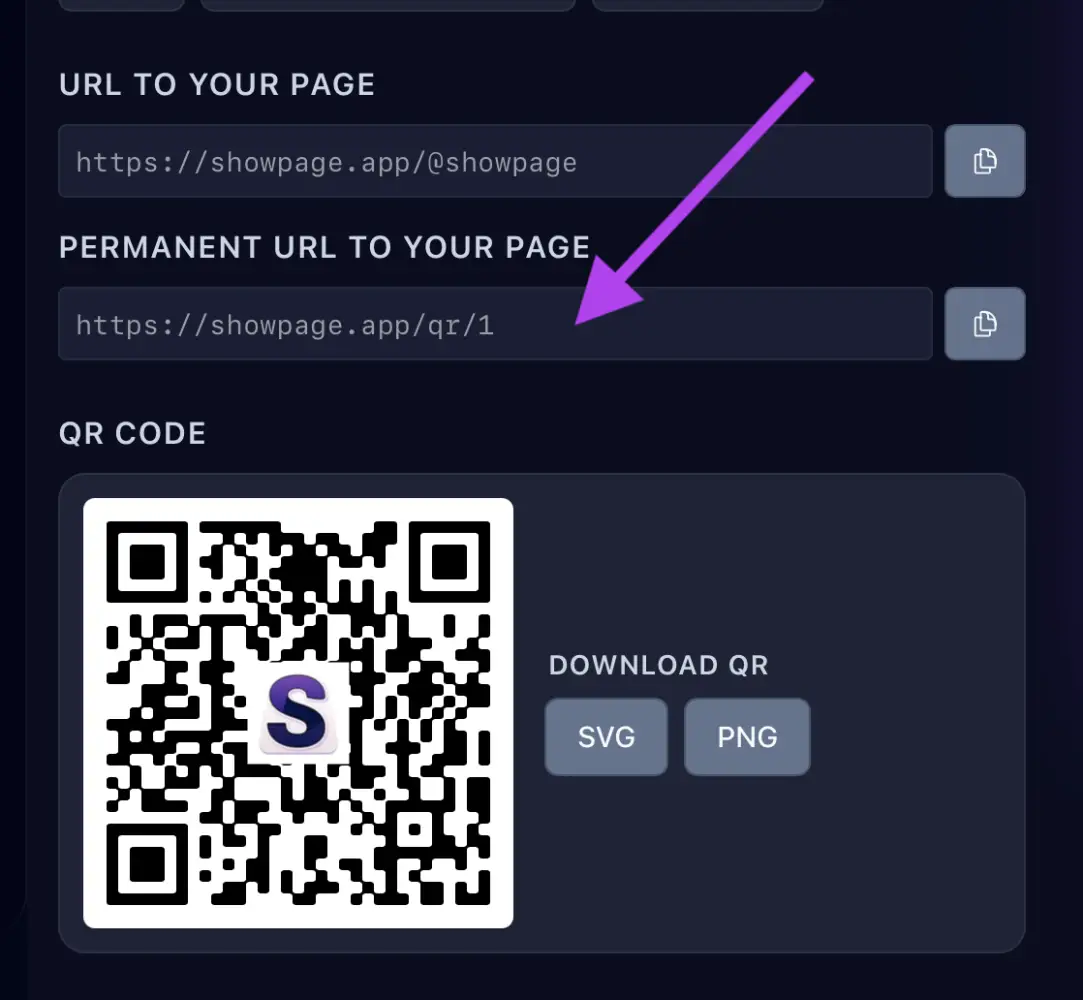
In your ShowPage account, open the QR / Links page and copy your link. You can also create one just for Snapchat to see how many clicks it brings.
2. Share it on Snapchat
Snapchat has no link in the profile, so you share it in your snaps and chats.
- In Snapchat, take or choose a snap.
- Tap the paperclip icon, paste your link and send it to your friends or add it to your story.
Use your QR code
Snapchat's camera scans QR codes, so people can open your page by pointing it at your QR. See the QR codes page.