
1. Copy your link
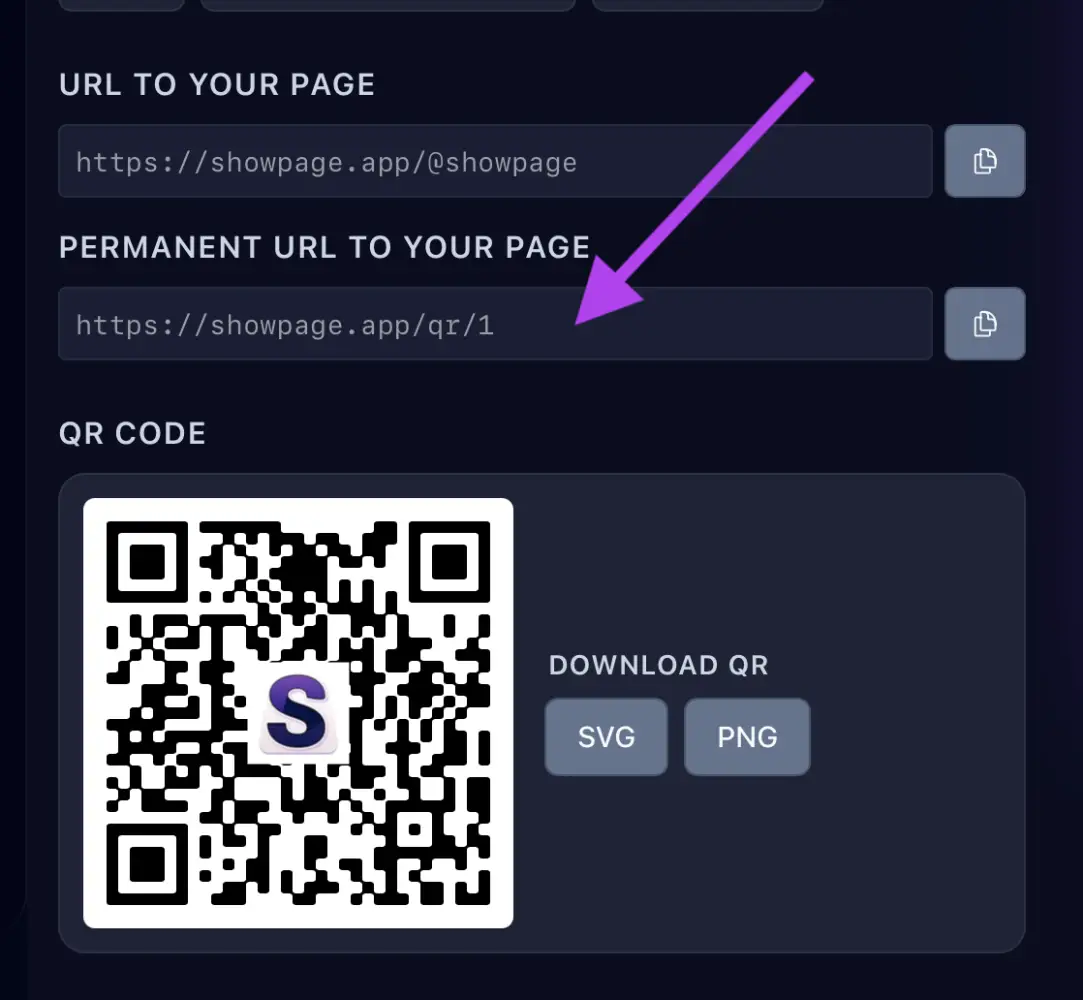
In your ShowPage account, open the QR / Links page and copy your link. You can also create one just for LinkedIn to see how many clicks it brings.
2. Add it to LinkedIn
- On your LinkedIn profile, click Contact info and then the pencil icon.
- Under Website, paste your link, choose a type and save.
On a company page, click Edit page and paste the link in the Website field.
Feature it
Add your link to the Featured section of your profile so it shows right under your name.